
What Serve does
Serve runs an HTTP server inside Local Code that speaks OpenAI's Responses API. Any app or script that can call that API, such as a coding agent, an editor plugin or your own code, can point at it and get answers from one of your on-device models.
It serves the model, not the agent. Your app sends the conversation and its own tools, and runs those tools itself. Local Code's sandbox, skills and project files aren't involved.
Serve is on Mac only. It works with the on-device Qwen, DeepSeek and GLM models.
Turn it on
- Open Serve, the last page in the rail, after Activities.
- Under Responses API, turn on Enable. Port and IP appear below it.
- Under Model, choose which model answers requests. The list shows models you've already downloaded.
The server keeps running while Enable is on, whichever page you have open. Turning it off, or changing Port or IP, ends the requests in progress.
| Setting | What it does |
|---|---|
| Port | The port to listen on. The default is 11435, one above Ollama's 11434, so both can run on one Mac. |
| IP | 127.0.0.1 (localhost only), the default, accepts apps on this Mac. 0.0.0.0 (allow all connections) also accepts other devices on your network. |
| Model | The model that answers. Until you pick one, it's the model your chats use. That model shares its memory with your chats; a different one needs memory of its own. |
There's no API key. With 0.0.0.0 (allow all connections), anything that can reach your Mac on that port can use the model, so turn it on only on a network you trust. With either setting, Local Code refuses requests that come from web pages open in a browser.
Connect an app
The base URL is http://127.0.0.1:11435/v1, with your port if you changed it. Set it as the OpenAI base URL in your app. If the app insists on an API key, any value works.
The server has two endpoints:
POST /v1/responsestakes a request and answers it.GET /v1/modelslists the model being served.
To try it from Terminal, run the command from Try it on the Serve page:
curl http://127.0.0.1:11435/v1/responses \
  -H "Content-Type: application/json" \
  -d '{"input": "Say hello.", "stream": true}'
What a request can hold
| Field | How Serve uses it |
|---|---|
input | A string, or a list of message, reasoning, function_call and function_call_output items. Messages can have the system, developer, user or assistant role, with text content. |
instructions | The system prompt, joined with any system or developer messages at the start of input. |
stream | true streams server-sent events. Otherwise the whole response comes back as JSON when it's done. |
max_output_tokens | The most tokens the reply can have. A reply cut short ends with status incomplete. |
temperature | 0 picks the most likely token whenever the model isn't thinking. Other values use the model's usual sampling. |
tools | Function tools. Other tool types are skipped. Your app runs each call and sends the result back as a function_call_output. |
tool_choice | "none" leaves the tools out. |
model | Ignored. The model chosen on the Serve page answers every request. |
Nothing is stored between requests, so every request sends the whole conversation. Serve rejects previous_response_id and conversation for that reason. It also rejects structured output (text.format other than text) and image content, which it doesn't support yet.
The model thinks before answering when Thinking Budget in Settings is above 0, up to that many tokens. Its thinking comes back as reasoning items. Send them back in input with the rest of the conversation, so the next request can reuse the cache.
A streamed response sends the usual events, from response.created through response.output_text.delta and response.reasoning_text.delta to response.completed. While a request waits its turn or reads a long conversation, the stream gets a comment every 15 seconds so the connection stays open. The response's usage reports cached_tokens, the part of the input the model didn't have to read again.
How requests take turns
The models can't run requests in a batch yet, so requests run one at a time:
- Up to 128 more wait in line. Beyond that, a request gets HTTP 429.
- A chat you're running always goes first, and a request waits for it.
- A long request hands the model to the next one about once a second, so one long reply doesn't hold up the rest.
- Closing the connection cancels the request.
There's no compaction when serving. If a conversation is longer than the model's context, the request fails with context_length_exceeded, and your app has to shorten it.
The context cache
When a request continues an earlier conversation, the model picks up where it left off instead of reading everything again. Serve keeps up to eight conversations ready in memory, and saves the model's context to .localc/context_cache.sqlite3 in your workspace folder. Chats in the workspace folder use the same file. It can grow large; see freeing the space.
The Serve page
While the Serve page is open, the area beside it shows what's being served:
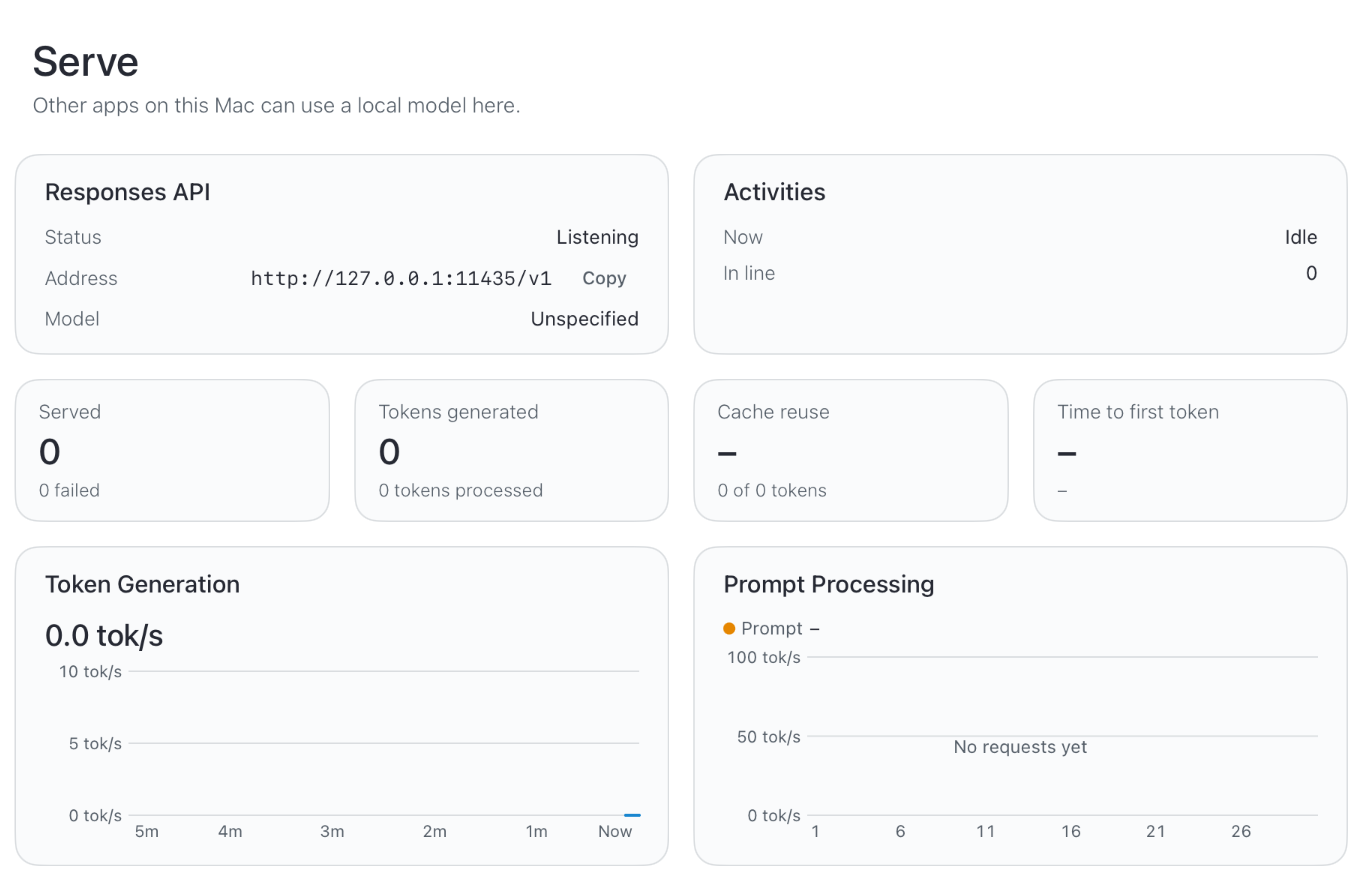
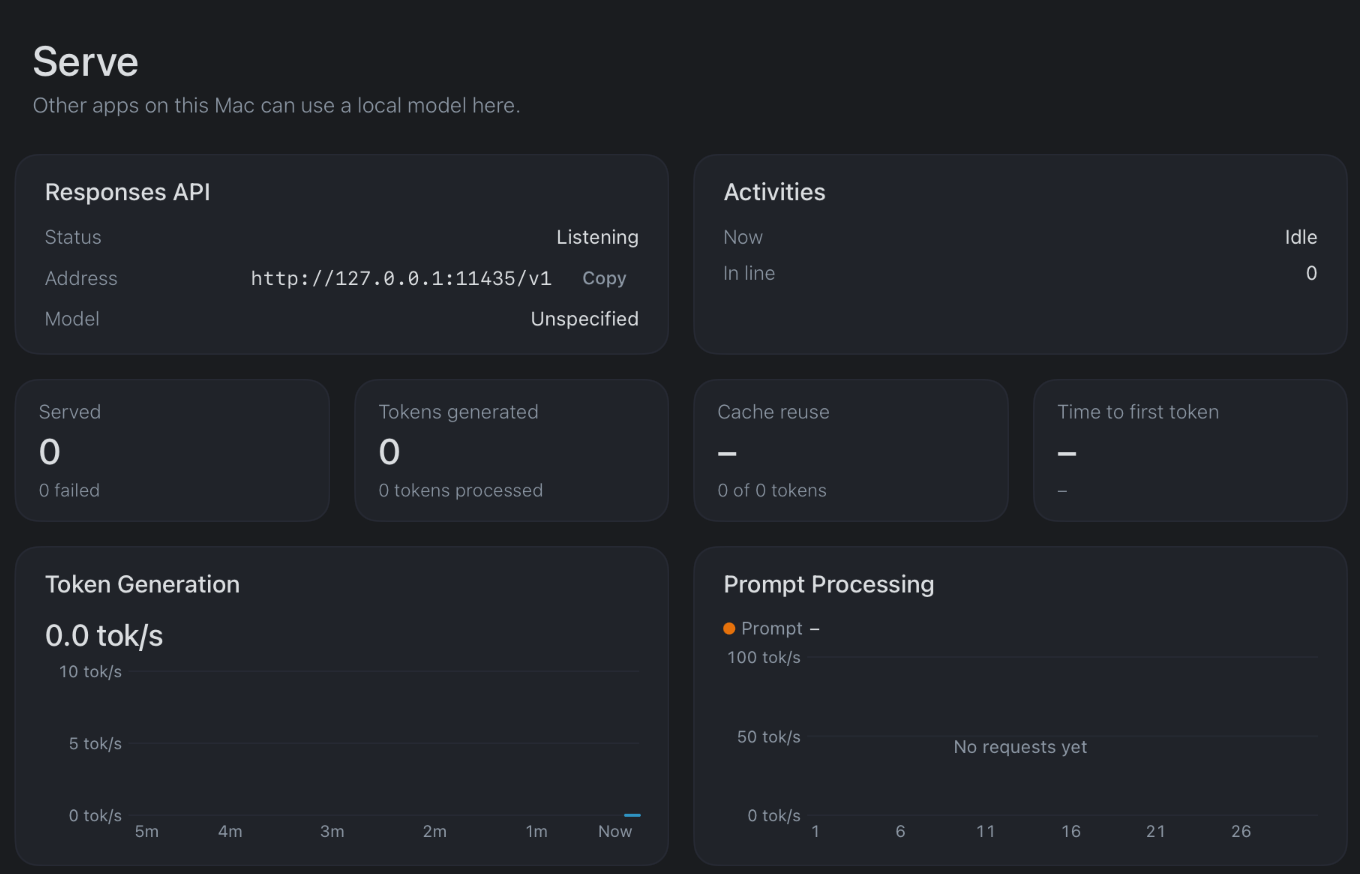
- Responses API: the Status, the Address to use and the Model.
- Activities: what's running Now, and how many requests are In line.
- How many requests were Served and how many failed, Tokens generated, the share of input that came from the cache as Cache reuse, and the median Time to first token.
- Charts of Token Generation and Prompt Processing speed, Prompt tokens, Time per request and Memory.
- Context cache: its size, and its Location on disk.
- Try it: the
curlcommand above, with a copy button. - Limits: what Serve doesn't do yet.
If another app already uses the port, Status says so. Pick another Port.